

Giving clear instructions is half the job. How context like frameworks, goals, and example snippets helps AI generate usable results. Real examples of prompts that work and ones that don’t.
Every developer now has a new kind of teammate one who can write, explain, and debug code on command. Tools like ChatGPT, GitHub Copilot, Windsurf and Cursor can feel like magic when they work well. But when they don’t, it’s usually not the AI’s fault. It’s yours or rather, your prompt’s.
AI models don’t read minds. They predict what text (or code) comes next based on the patterns they’ve seen. The clearer you are about your goals, context, and constraints, the more useful their output becomes. Talking to an AI isn’t about being technical it’s about being specific.
Welcome to Promptcraft: the skill of communicating clearly with your AI pair coder.
Why Prompts Matter More Than Ever
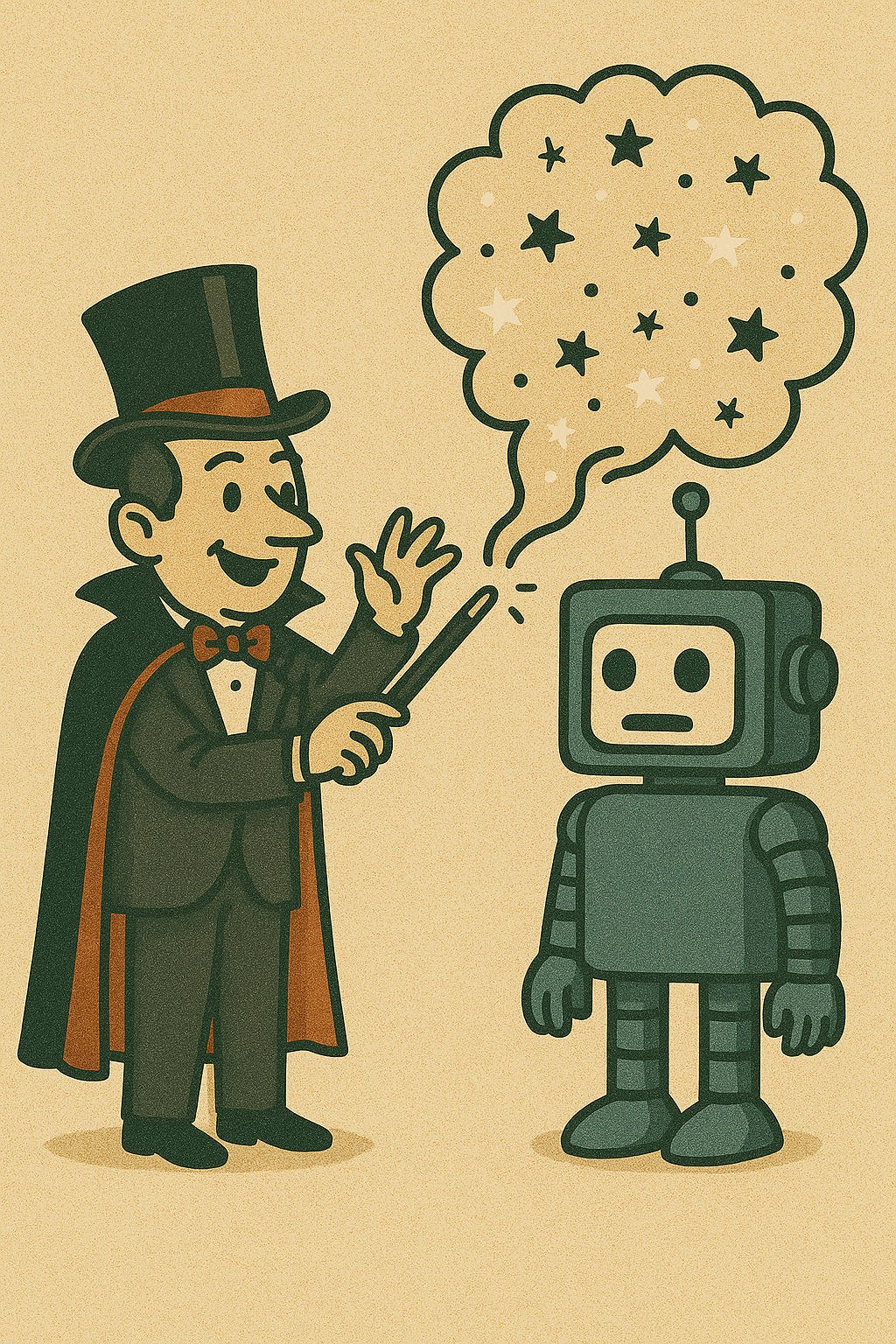
Traditional coding is about precision in syntax. AI-assisted coding is about precision in intent.
The AI doesn’t know what you meant only what you typed. So when you say:
“Write a script to clean data.”
…it fills in the blanks with what it thinks data cleaning usually looks like. That might not match your project at all.
Try being more specific:
“Write a Python script using pandas that removes null values, trims whitespace from strings, and normalizes numeric columns between 0 and 1.”
Now the AI has context language, libraries, and expected behavior. It’s not just writing code; it’s collaborating on your terms.
Rule #1: The AI’s quality mirrors your clarity.
Context Is Everything
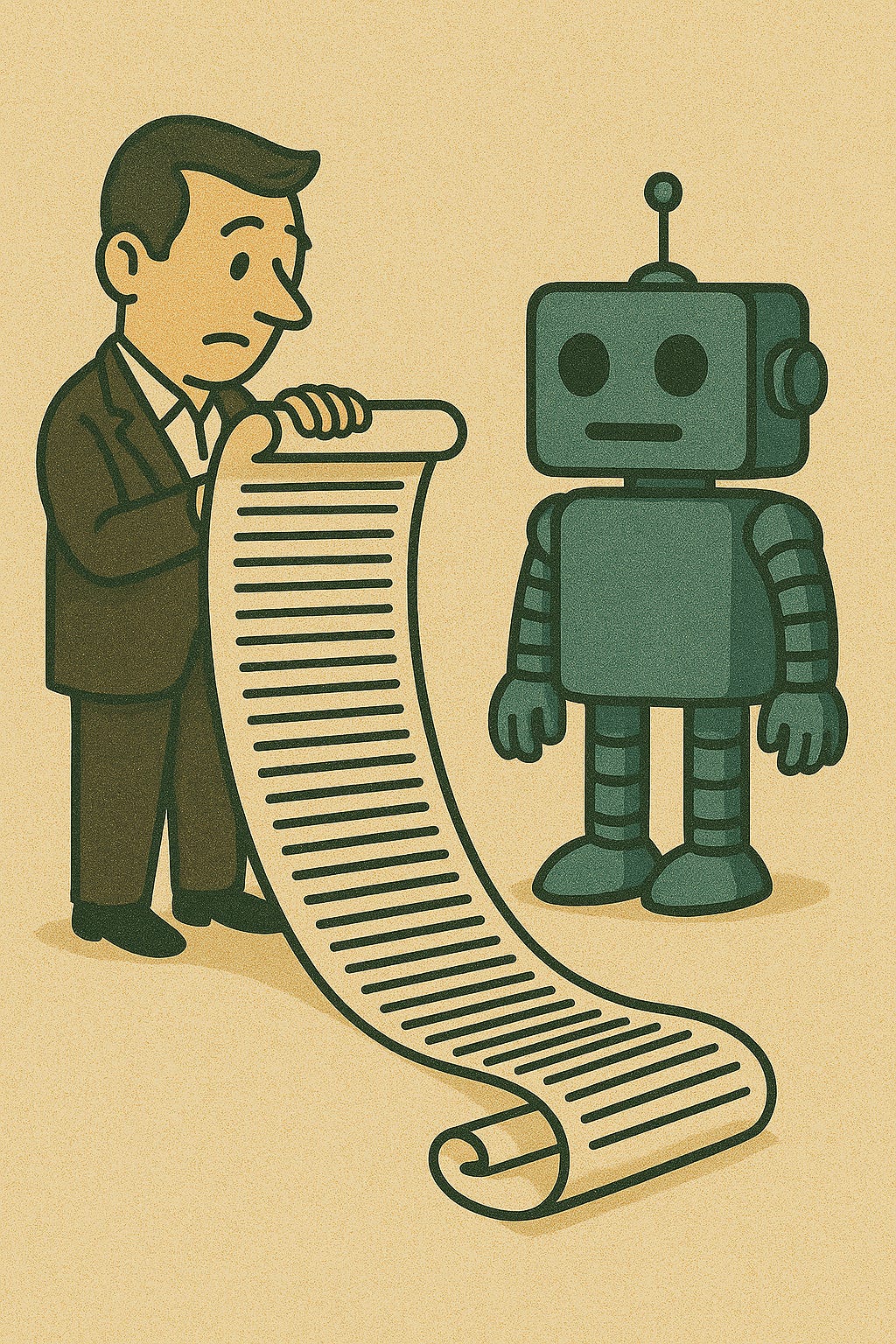
Context is the oxygen of a good prompt. It’s what tells the AI where it’s operating and what world your problem belongs to.
Here’s what good context looks like:
Frameworks & languages: “Use React with Tailwind CSS.”
Project goals: “This is for an internal analytics dashboard.”
Constraints: “Keep it under 100 lines and avoid external APIs.”
Example snippets: “Here’s how our existing logging system works follow this pattern.”
Without these clues, the AI is guessing. With them, it’s adapting.
Think of it like onboarding a new team member they’ll do great work once they know the environment.
Anatomy of a Good Prompt
Here’s a simple structure that works for almost any technical task:
Set the stage What’s the goal?
Provide background What tools or frameworks are in use?
Specify the output Code format, file type, or structure.
Add examples Show patterns or previous work.
Define boundaries What not to include.
Example:
❌ “Make a login page.”
✅ “Create a responsive login page in React using Tailwind CSS. Include email and password fields, client-side validation, and no external dependencies.”
The difference is night and day. The first gives freedom; the second gives focus.
Prompts That Work (and Why)
Let’s look at a real example.
Prompt A (Vague):
“Make a Python function to fetch data.”
Result: The AI writes a simple requests.get() call that prints JSON no error handling, no flexibility.
Prompt B (Clear):
“Write a Python function that fetches data from a REST API using the
requestslibrary. Include error handling for timeouts and invalid responses, and return parsed JSON data.”
Result: A robust, reusable function with exception handling and useful output.
Why it works: The prompt sets language, library, behavior, and output expectations.
Good prompts save time not by asking for less, but by communicating more.
Prompts That Fail (and How to Fix Them)
Even experienced developers fall into the vague-prompt trap. Here are common failure modes and how to fix them.
1. Ambiguous Language
“Make it better.”
The AI doesn’t know what “better” means. Faster? Cleaner? Prettier?
✅ Fix: “Optimize this function for speed by reducing nested loops.”
2. Missing Context
“Create a chart.”
Chart of what? For who? Using what library?
✅ Fix: “Using Chart.js, create a responsive bar chart showing monthly sales totals from a JSON dataset.”
3. Overloaded Requests
“Build a web app for tracking expenses with login, charts, export, and email notifications.”
That’s a five-feature app. The AI might output nonsense trying to do it all.
✅ Fix: Break it into smaller prompts:
“Generate the basic Flask app structure.”
“Add a login page.”
“Add a route for CSV export.”
Tip: The AI thrives on small, sequential goals not giant one-liners.
Promptcraft in Collaboration
Working with AI is like mentoring a junior developer: you explain, they produce, you review, they improve.
When results are off, debug your prompt not the model. Ask yourself:
Did I define the goal clearly?
Did I mention frameworks and constraints?
Did I provide examples of what “good” looks like?
Treat each prompt as a draft. Revise, rephrase, and retry. Iteration is where the magic happens.
And remember: even the best prompt won’t replace your judgment. AI can generate working code, but it can’t verify intent, ethics, or business logic. That’s your domain.
Common Myths About Prompting
“AI should understand me.” No, it’s predicting text, not reading minds.
“Long prompts confuse it.” Long unstructured prompts confuse it; detailed organized ones help.
“I can’t control tone or format.” You can just show it an example.
“Once you’re advanced, prompts don’t matter.” Actually, good promptcraft becomes more important as projects get complex.
Prompting is not about tricking AI it’s about training yourself to think and communicate clearly.
Key Takeaways
Good prompts turn AI from a guessing machine into a reliable collaborator.
Give context: frameworks, goals, examples, and constraints.
Break down big goals into smaller ones.
Always review AI output before using it.
Think of prompting as a skill one that combines logic, communication, and creativity.
When you talk to AI with structure and clarity, it starts to feel less like a tool and more like a teammate.
Quick Reference: Promptcraft Cheatsheet
✅ Include:
Goal (“What are we building?”)
Context (“What tech or setup?”)
Output (“What format?”)
Examples (“Here’s a pattern to follow.”)
Constraints (“What to avoid.”)
🚫 Avoid:
Vague verbs (“improve,” “fix”)
Missing context (no language or framework)
One-prompt projects (too much at once)
💡 Example Template:
“You are an AI coding assistant. I’m working on [project]. Using [framework or language], help me [specific task]. Output [expected format]. Don’t include [exclusions]. Follow this example: [snippet].”
Promptcraft isn’t about talking to AI it’s about thinking with it. The clearer your communication, the better your code.