

The New Way to Code
Remember when coding meant typing every semicolon yourself? Every bracket and typo mattered a missing comma could break your day. For decades, writing software meant translating thoughts into syntax, line by line.
That’s changing fast. Today, we can describe what we want in plain English, and AI turns that idea into working code. Tools like GitHub Copilot, ChatGPT, Windsurf and Cursor are making programming conversational. You explain the goal “Build a page that lets users upload photos” and the computer helps make it happen.
This isn’t just convenience. It’s a fundamental shift in how humans and machines collaborate to create.
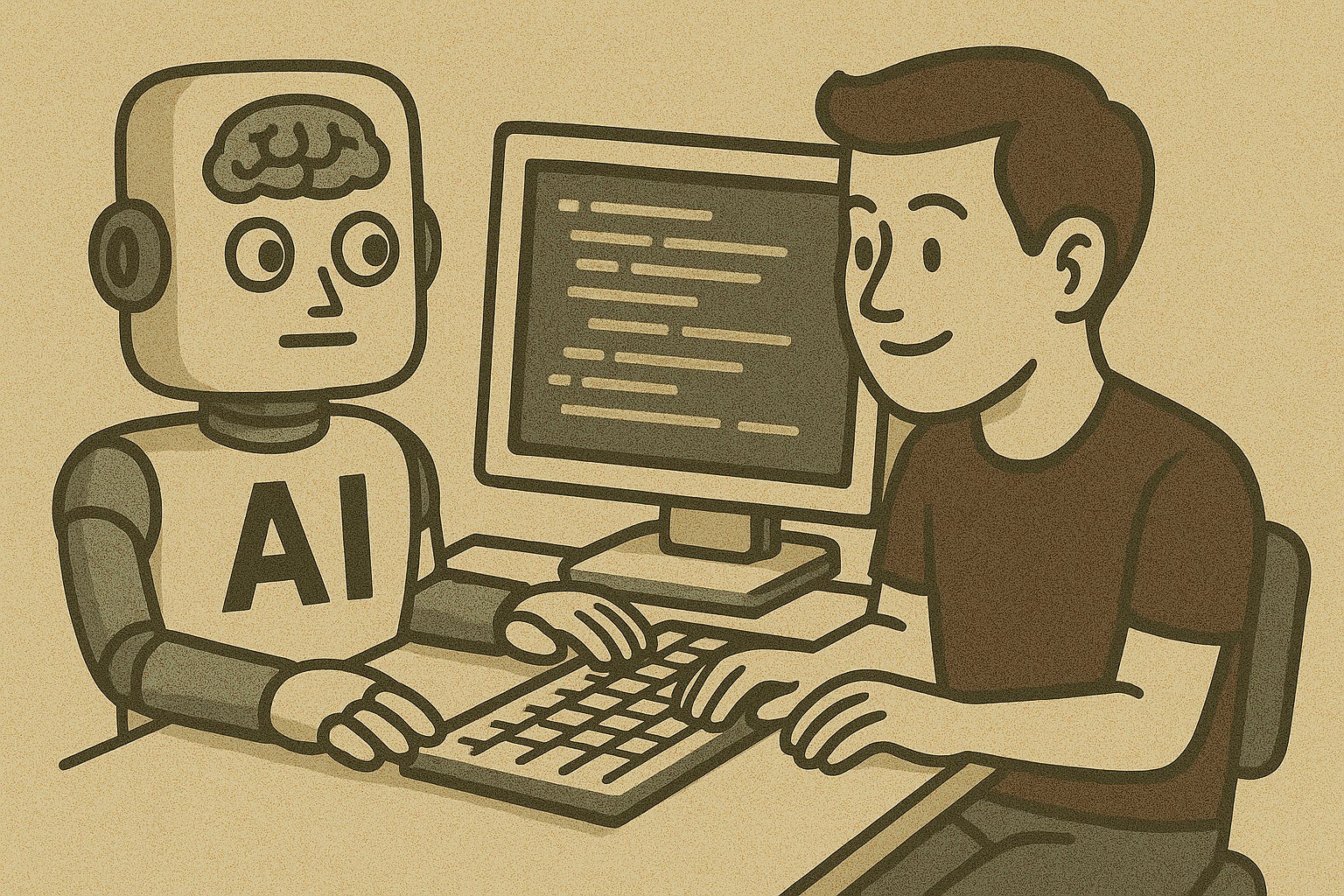
Meet the New Coding Partners
GitHub Copilot watches what you type and predicts what comes next, like autocomplete for entire functions. It learns your coding style and adapts to your workflow.
ChatGPT takes that further you can describe a feature or paste an error message, and it will explain, debug, or even generate complete components.
These tools share a mission: reduce the distance between ideas and execution. They don’t remove the need to think they remove the friction between thinking and building.
From “Typing” to “Describing”
The traditional workflow looked like this:
Think → Translate into code → Debug → Repeat.
Now, it’s evolving into something new:
Think → Describe → Collaborate with AI → Refine.
Instead of memorizing syntax, developers focus on expressing intent. It’s like directing a film crew rather than setting up every camera angle yourself. You’re not giving up control you’re gaining a creative team that listens.
Clarity has replaced speed as the new superpower. The better you describe what you want, the closer the AI gets to building it right the first time.
“Isn’t That Cheating?” Why It’s Not
It’s easy to assume that using AI to write code is “cheating.” But that’s like saying using a calculator is cheating at math.
These tools don’t replace human thought they extend it. You still decide what to build, how it should behave, and whether it’s good enough. The AI handles the repetition and recall, freeing you to focus on design, logic, and creative problem-solving.
AI-assisted coding is a partnership. The human provides vision, context, and judgment. The AI provides speed, memory, and pattern recognition. The best results happen when both sides collaborate not when one replaces the other.
The Real Skill Now: Asking the Right Question
Coding has always rewarded clarity, but with AI tools, communication is now the main skill.
A vague prompt produces vague code. A clear, detailed request produces a stronger foundation.
Compare these two examples:
“Make a login system.”
“Build a secure login page with email, password, and two-factor authentication using existing user data.”
The second prompt gives the AI enough direction to build something reliable and secure. In a sense, prompting is the new programming. The better you describe your intent, the smarter your AI partner becomes.
The Risks and Why They Matter
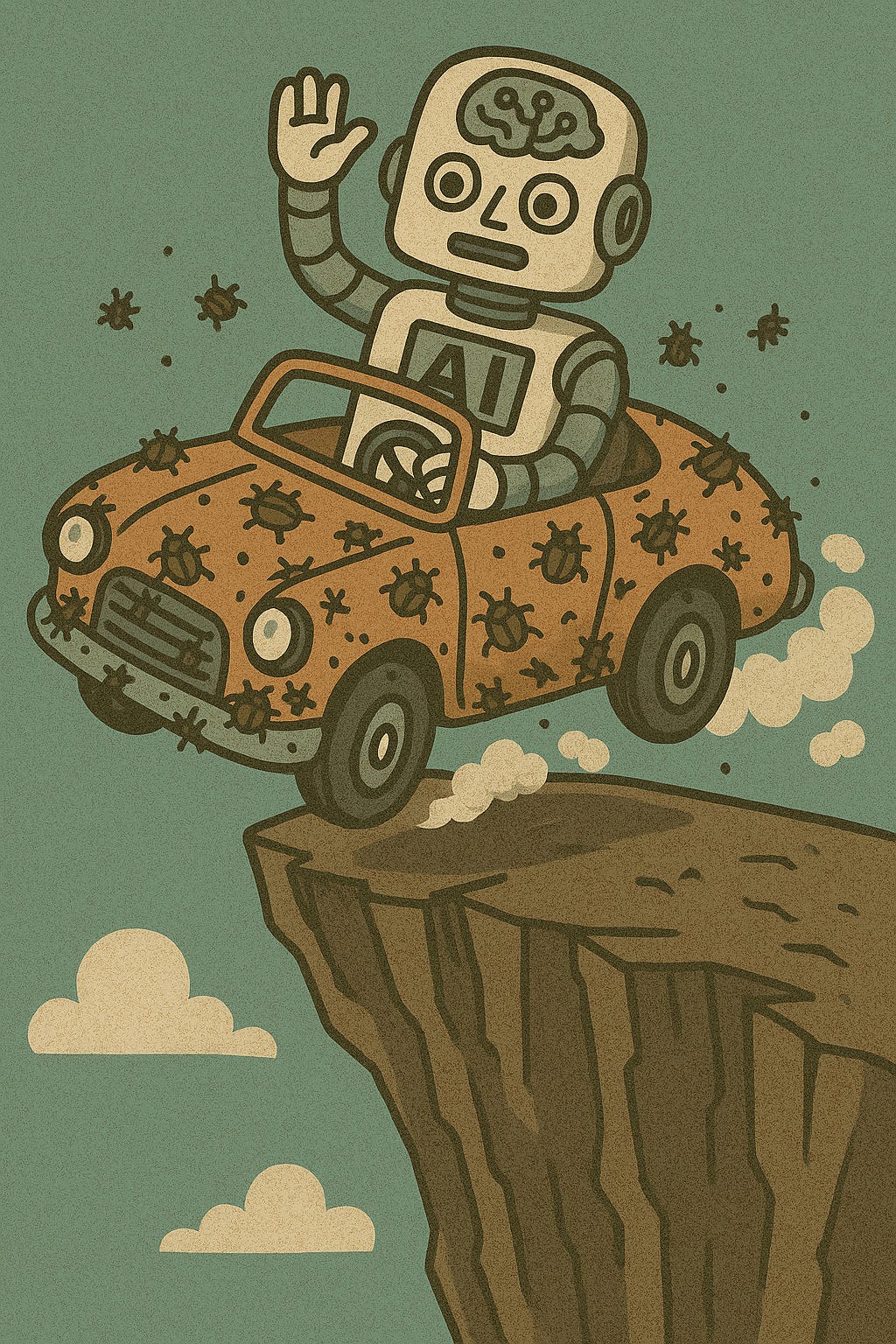
AI-generated code offers incredible speed and convenience but also introduces serious risks, especially when developers fall into “vibe coding”: building by feel, trusting AI output without deep review.
Insecure or Flawed Code Generation
Studies show that almost half of AI-generated code contains bugs or vulnerabilities that attackers could exploit (CSET, 2024).
A 2025 industry audit found that 45% of AI-written functions included critical security flaws even when they appeared correct (Security Today, 2025).
Because these models are trained on public code (which often contains unsafe patterns), they reproduce bad habits along with good ones (Qwiet AI, 2025).
“Vibe Coding” and False Confidence
“Vibe coding” means describing your intent to an AI, accepting whatever looks right, and skipping detailed review (Wikipedia).
It creates a sense of speed but hides technical debt. You get a working prototype until it breaks.
A real-world case in 2025 involved a startup that suffered a data breach after deploying an AI-generated app built with little testing. Experts traced it to vibe coding practices no code review, no security scan (Business Insider, 2025).
Misinterpretation and Over-Reliance
AI doesn’t understand goals it predicts patterns. If your prompt is vague, it may generate something that works technically but solves the wrong problem.
Developers often assume AI saves time, but debugging misunderstood logic can take longer than writing the code yourself (Financial Times, 2025).
Supply-Chain and Model Vulnerabilities
AI tools can introduce risks beyond your codebase. Malicious actors can “poison” training data to insert unsafe patterns (arXiv, 2023).
Worse, AI sometimes invents (“hallucinates”) dependencies or libraries that don’t exist which can lead developers to download fake, dangerous packages (Wikipedia: Slopsquatting).
Maintainability and Long-Term Fragility
Even if AI-written code runs perfectly, it can be fragile if no one understands it. Repeated “refinements” by AI can also introduce subtle new vulnerabilities one study found these issues actually increased with multiple AI passes (arXiv, 2025).
In short: AI can write code faster than ever but it can also build fragile systems faster than ever. Without human review, the results may be quick to launch but hard to trust.
Putting It Into Practice Human + AI Collaboration
The best developers don’t let AI take over; they treat it like a teammate. Here’s how that looks in practice:
Start small. Use AI for boilerplate or simple utilities before trusting it with core systems.
Always review. Every AI-generated block should go through human inspection and testing.
Train your team. Teach prompt clarity, output validation, and security hygiene.
Define limits. Restrict what AI tools can access especially production databases or sensitive APIs.
Balance speed and safety. Let AI accelerate the work, but never automate accountability.
AI is changing how we build. Instead of typing every line, we’re describing what we want and that’s powerful. Tools like Copilot and ChatGPT let us work faster and think more creatively. But they don’t remove responsibility.
Human oversight remains essential. Because when you hand the keyboard to an AI, you’re not outsourcing skill you’re amplifying it. The question isn’t whether AI will code for us it’s how well we’ll guide it.