

When companies move to the cloud, it’s easy to assume the provider “handles security.” After all, names like Amazon, Microsoft, and Google sound bulletproof.
But here’s the truth: the cloud doesn’t make your systems safe by itself. It just gives you the tools to build safely.
Security in the cloud works like living in an apartment building. The landlord keeps the property secure guards, cameras, locks on the main doors. But you still decide who has keys to your apartment and whether you leave the window open.
That shared balance is called the shared responsibility model, and understanding it is the key to keeping your systems safe.
The Shared Responsibility Model Who Does What
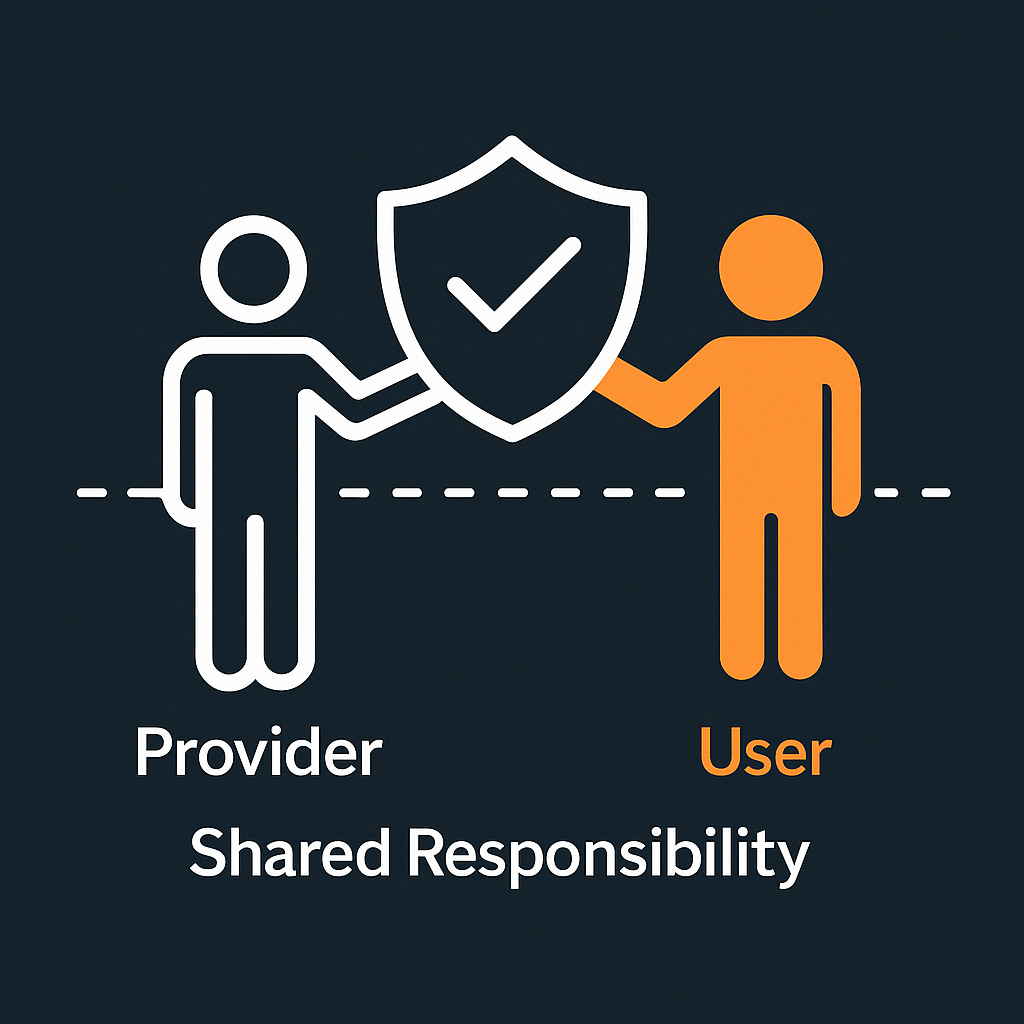
Cloud security isn’t one job; it’s two halves of a partnership.
What the Cloud Provider Protects
Your provider handles the foundation the things you can’t touch or change:
Physical safety: Data centers, surveillance, fire prevention, backup power.
Infrastructure: The servers, storage systems, and global networks your apps run on.
Compliance: Certifications and audits that prove the environment meets strict security standards.
Think of this as the “building security.” You don’t have to hire the guards they’re already there.
What You Protect
Your side covers everything you create inside the cloud:
Who can log in and what they can do.
How your app is built and kept up to date.
How data is stored, encrypted, and shared.
Which parts of your system are exposed to the internet.
The provider locks the lobby door you’re responsible for locking your apartment.
Controlling Access: Who Has the Keys
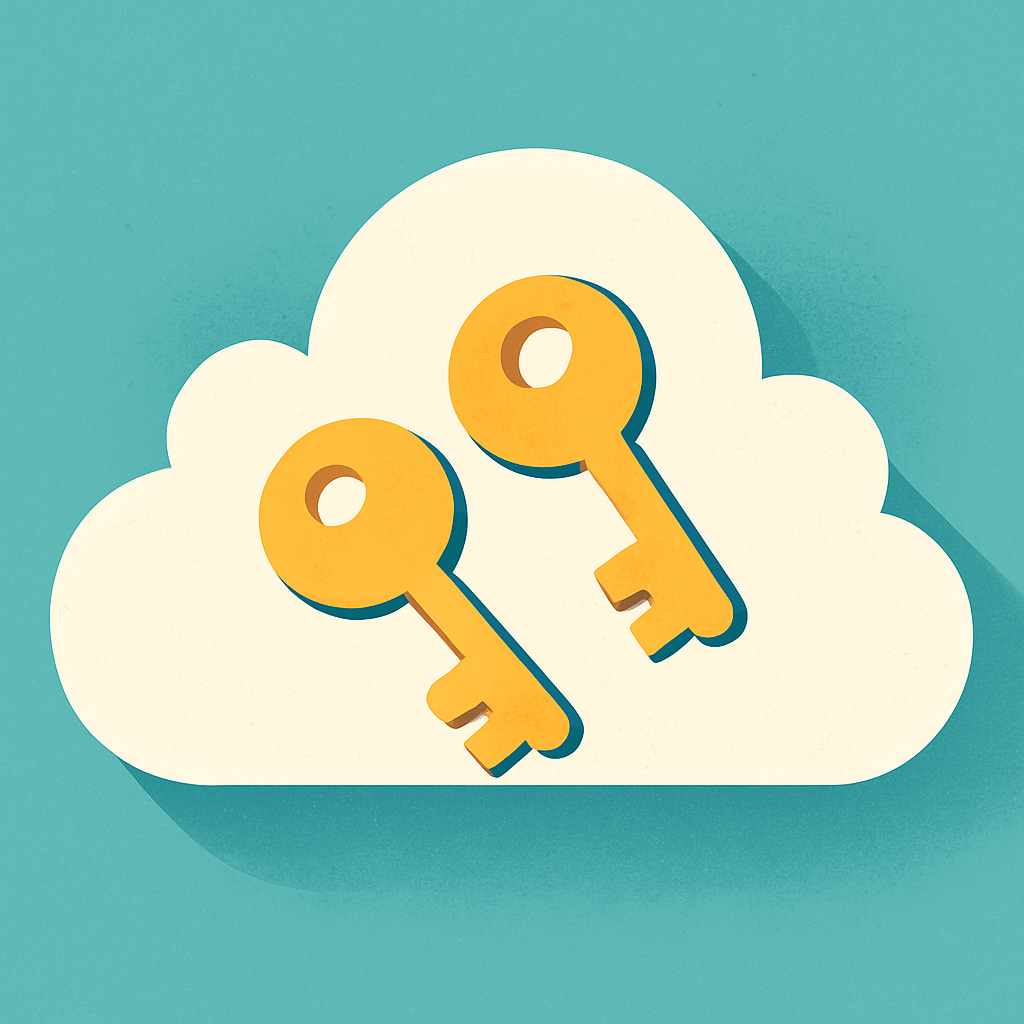
Your first line of defense is deciding who gets in and what they can do once they’re inside. In the cloud, this is called Identity and Access Management (IAM) but really, it’s just digital key management.
Imagine your office:
Every employee has a keycard.
Some can open only their office.
A few can open the server room.
Nobody should have every key unless they absolutely need it.
Smart Access Habits
Use two-step verification everywhere.
Make sure logging in always requires more than a password.
Use temporary keys for software, not people. Applications can borrow keys for a few minutes to get something done, then give them back.
Give the least access possible.
If someone only needs to view reports, don’t give them permission to delete databases.
Split responsibilities.
The person creating user accounts shouldn’t also approve permissions.
Good access control isn’t about mistrust it’s about minimizing risk if someone makes a mistake.
Network Security: Building Digital Walls
Your cloud setup has its own private “neighborhood,” called a virtual network. Within it, you decide which areas are public and which are private.
Imagine you’re running a company:
The front lobby (your website) is public.
The offices (your internal tools) are private.
The vault (your database) should be deep inside, with very limited access.
Simple Steps That Go a Long Way
Keep sensitive systems on private networks.
Only open the doors (ports) your app really needs.
Lock remote access (like SSH) to specific office IPs.
Review your firewall rules every few months.
Most cloud attacks happen because someone left a “door” open not because of a sophisticated hack.
Protecting Your Data: What Really Matters
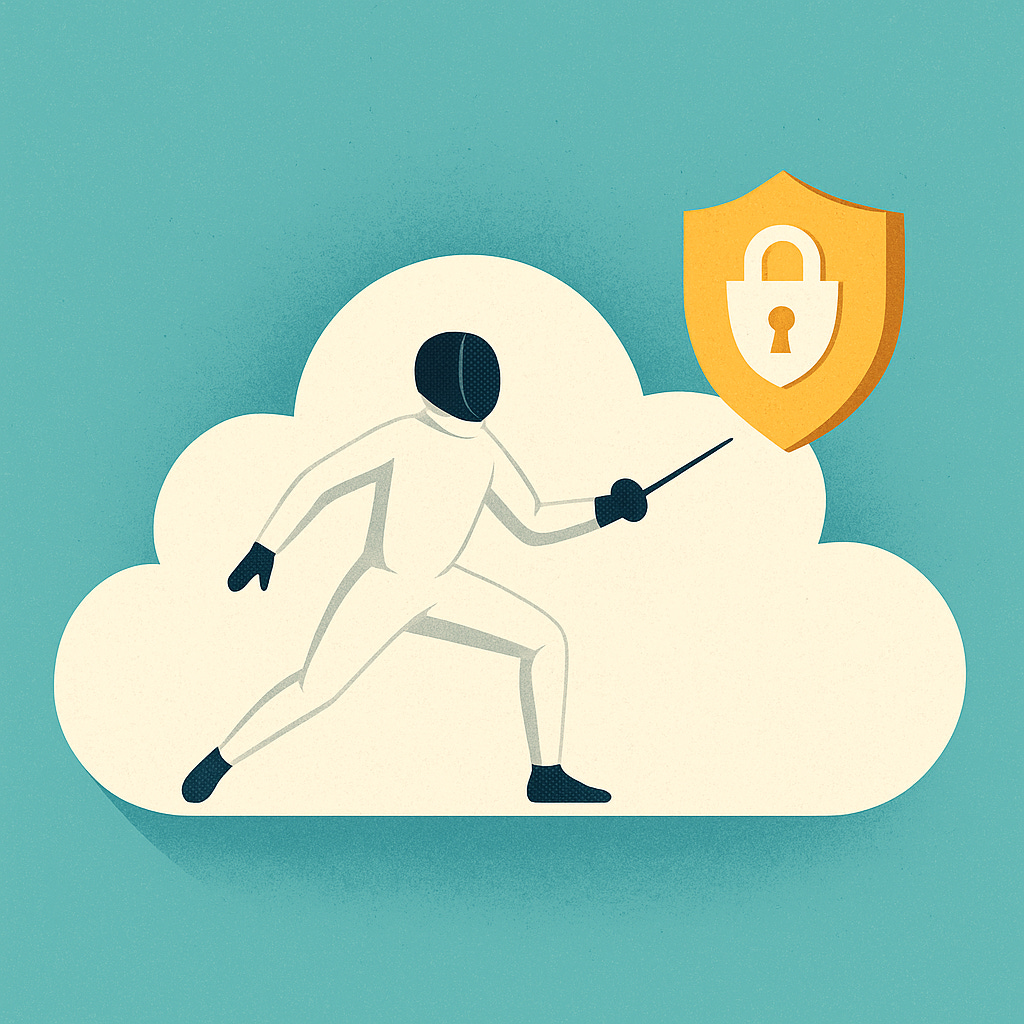
Data is often the most valuable thing you own and also the most attractive target for hackers.
Fortunately, protecting it doesn’t require deep technical skill. The key is to make sure it’s always encrypted both while sitting in the cloud and while moving across the internet.
Three Rules of Data Safety
Lock it when it’s stored.
Most cloud services can encrypt everything automatically. Turn it on and leave it on.
Lock it while it’s moving.
Always use secure web connections (HTTPS).
Use the right safes for your keys.
Cloud providers offer key management tools use them instead of writing passwords or keys into your code.
Also, not all data is equal. Your team’s lunch schedule isn’t as sensitive as customer payment info. Label data by importance so you can protect what really matters.
Application Security: Fixing the Weakest Link
Even if your cloud setup is perfect, your own app can open the wrong door.
Keep It Simple:
Update software regularly old code is often the easiest way in.
Don’t store passwords or keys in files or code.
Use scanners that automatically check your app for weaknesses.
Be cautious with user input never trust data that comes from outside.
Think of it like your house: the cloud provider gives you sturdy walls and locks, but if you leave a window open, someone can still climb in.
Monitoring: Seeing What’s Going On
Security isn’t just about prevention it’s about awareness.
Monitoring tools are like having security cameras for your systems. They help you spot when something unusual happens, like:
Too many failed logins.
Someone changing permissions suddenly.
Large amounts of data leaving your system.
You don’t need to watch logs all day just make sure someone’s notified when something odd happens.
Common Cloud Security Mistakes (And How to Avoid Them)
Too much access: Give people only what they need. Hardcoded passwords: Never store credentials in your code. Unencrypted data: Turn on encryption everywhere. Open firewalls: Don’t allow “access from anywhere.” No monitoring: Alerts only help if they exist.
Most breaches happen because of simple oversights not because someone cracked your encryption.
Compliance: Following the Rules
If your business handles personal, health, or financial data, compliance isn’t optional.
Frameworks like HIPAA, PCI DSS, and GDPR define how data should be protected. The good news? Your cloud provider already meets most of these standards.
But here’s the catch: their compliance doesn’t cover your configuration. You can rent a vault, but it’s up to you to keep it locked.
Keep documentation of who has access, what’s encrypted, and how you handle sensitive data. It shows both customers and regulators that you take security seriously.
When Something Goes Wrong
Even the best setups can be tested and that’s okay. What matters is having a plan.
When you spot a problem:
Detect it fast: Use alerts and monitoring.
Contain it: Isolate the issue before it spreads.
Recover: Restore from clean backups.
Learn: Review what happened and prevent it next time.
It’s just like a fire drill you don’t panic if you’ve practiced.
Security Is Never “Done”
Cloud security isn’t a project you complete once. It’s a habit.
Review access permissions monthly.
Check logs weekly.
Update your software regularly.
Stay curious about new risks and tools.
Security isn’t about fear it’s about confidence. When everyone on your team understands their part, you don’t have to worry about every alert or news headline. Your cloud provider built the fortress. But you decide how well you lock the doors inside it.
The goal isn’t perfection it’s awareness, discipline, and steady improvement.