

Debugging is one of the most time‑consuming parts of software development. A small logic error, a missing check, or an edge case gone wrong can consume hours or days of a team’s time. Now, with AI‑assisted tools, developers have new allies: systems that can scan logs, interpret stack traces, and even suggest fixes. But while this support is powerful, it also brings its own new set of risks.
The Benefits of AI in Debugging
Speed & Efficiency
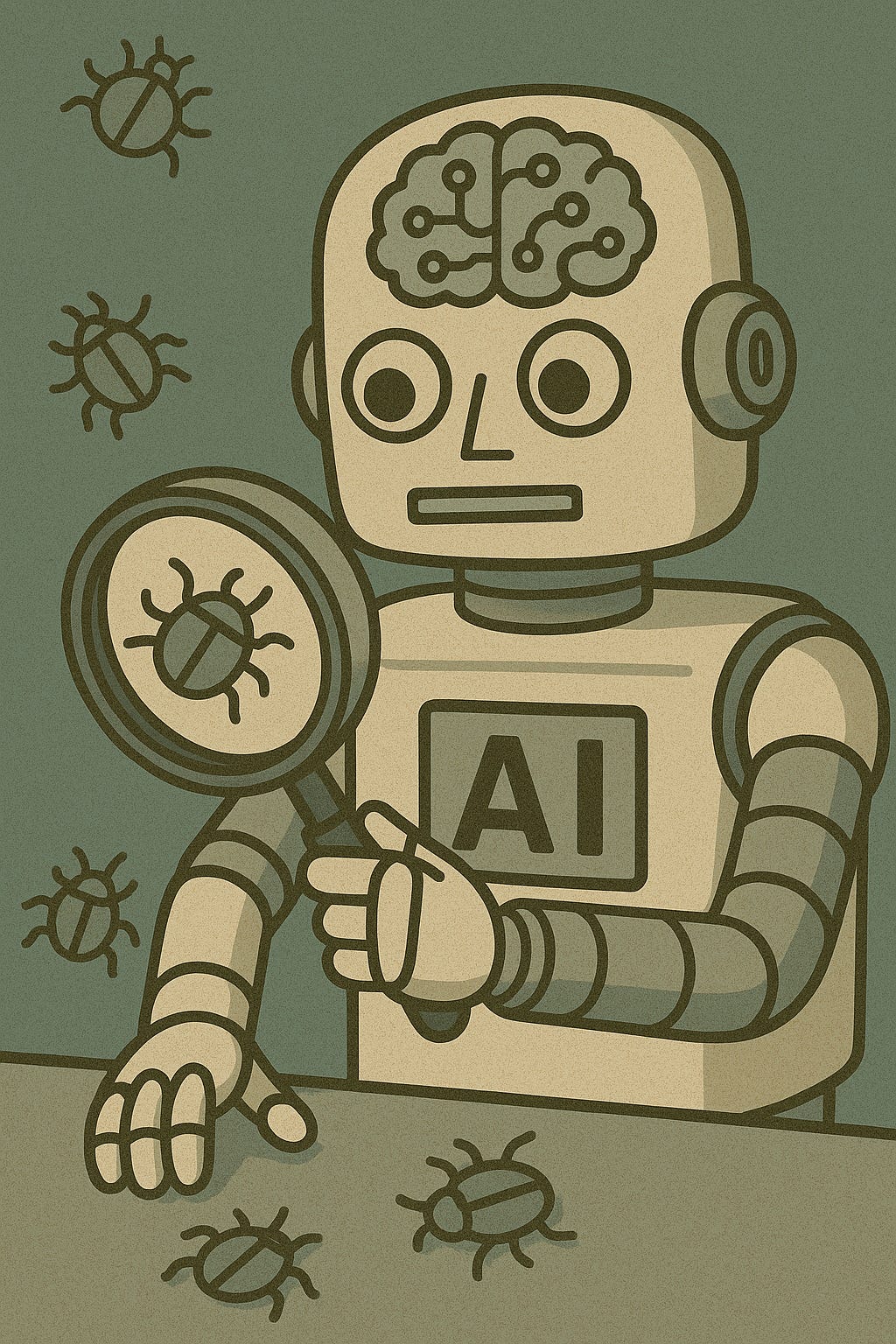
AI tools can analyze large volumes of code or logs far faster than a human can. This means you can surface likely problem areas quickly. According to a recent survey of AI‑driven debugging approaches, the use of AI for automated program repair is rising because they reduce manual effort in locating and suggesting fixes for errors. (arxiv.org)
Pattern Recognition & Early Detection
Large language models (LLMs) trained on massive code bases are capable of spotting common bug patterns that humans might miss like misuse of APIs, missing corner cases or common logic errors. A detailed empirical study found 10 common bug categories in LLM‑generated code (misinterpretations, wrong input type, hallucinated object, etc.). (link.springer.com)
A Strong Assistant for Developers
AI doesn’t replace the developer; it acts like a keen assistant. It suggests where the code likely fails, offers candidate fixes, and can generate tests or inputs to help isolate bugs. Human developers can then focus on evaluating those suggestions, refining them, and ensuring they align with the business logic.
The Risks You Need to Know
Assumptions & Hidden Faults
AI debugging tools make educated guesses they predict what might fix the issue. But because AI lacks full context about your architecture, business rules, data flows, or future change, it may introduce new problems. For example, an AI‑generated fix might remove a unit test because it “solved” the failing scenario, but the test may have been guarding a regression. In other words: spotting symptoms isn’t the same as fixing causes.
More Bugs, Not Fewer Security Gaps
Perhaps surprisingly, code generated (or modified) by AI often contains more or different kinds of defects than human‑written code. For instance, a large‑scale study discovered AI‑generated code is more repetitive and contains more high‑risk vulnerabilities than human‑written code. (arxiv.org) Another report found nearly 45% of AI‑generated code contained security flaws. (techradar.com)
Over‑reliance & Loss of Understanding
When humans rely too heavily on AI to debug or write code, they may lose touch with the underlying logic, architecture or data flows. This can lead to “vibe coding” practices where code generations are accepted without detailed understanding leading to fragility later. (en.wikipedia.org)
Making AI Debugging Work for Production‑Quality Code
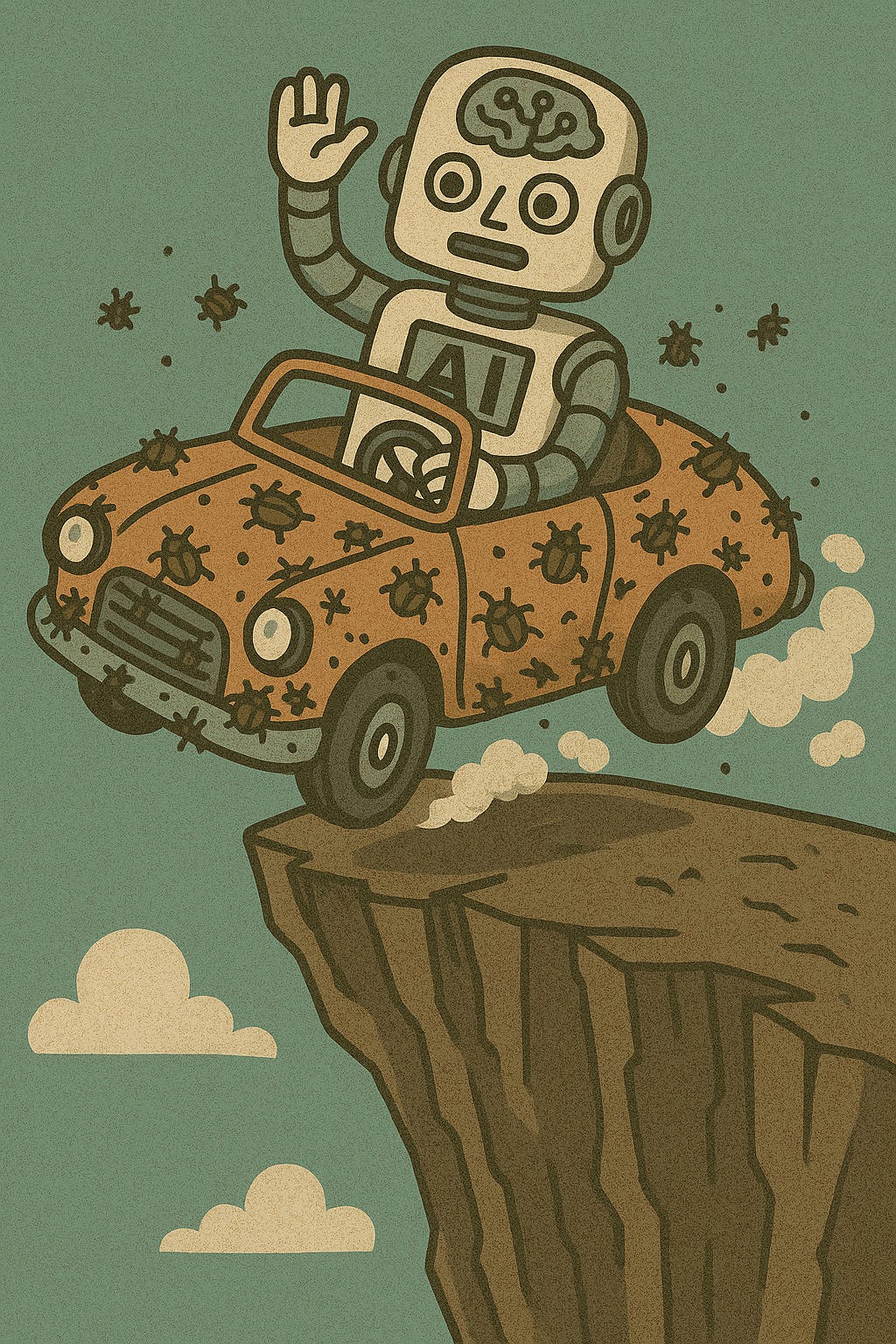
Turning AI‑assisted debugging into reliable software requires more than just letting the AI run wild. Here are some key practices:
1. Review All Suggestions
Treat each AI suggestion like a draft. Ask:
Does this match our business logic and requirements?
Are edge cases still handled?
Does this change affect other modules or flows?
2. Maintain Version Control Discipline
Every change (especially AI‑suggested ones) should be tracked in version control (e.g., Git). Branches, pull requests, peer reviews the full process still applies. This lets you roll back if a fix introduces a regression.
3. Expand Automated Testing
AI can generate unit tests or integration tests, but you should validate and extend them. Make sure tests cover:
edge cases the AI might have skipped
performance or load scenarios
security and data‑integrity conditions
4. Continuous Monitoring & Feedback Loop
When AI‑suggested fixes go live, monitor closely: logs, performance metrics, user‑reported errors. Use that data to feed back into your team’s process and teach what kinds of suggestions went wrong or right.
5. Guardrails & Security Checks
Apply static analysis, code quality tools, security scanning before the fix merges. AI doesn’t always follow best practices for security or maintenance. For example, avoid removing or skipping tests because the AI reports “no issue”.
When AI Debugging Isn’t Enough
Some bugs strike at architecture, business rules, data integrity across systems, or emergent behavior under scale. These require human judgment, domain knowledge, and often hands‑on debugging such as stepping through code, profiling memory use, or designing new patterns. AI helps find the likely zone; humans still need to map and manage the territory.
Conclusion
AI debugging is a powerful addition to the software toolkit. It saves time, finds patterns, and surfaces issues faster than many traditional methods. But it’s not a silver bullet. Without mindful human oversight structured review, test coverage, context verification it risks introducing new bugs or masking underlying problems. The future of debugging isn’t humans or AI alone; it’s humans and AI working together smartly.